

On this page+
What Is CRM Data Enrichment and Why It Matters for Sales Teams
Ever pulled up a lead in your CRM (customer relationship management system, the database where you track contacts, companies, and deals) and found… almost nothing? No job title, no company size, an email that bounces. Your rep ends up doing detective work on LinkedIn before they even write a cold email.
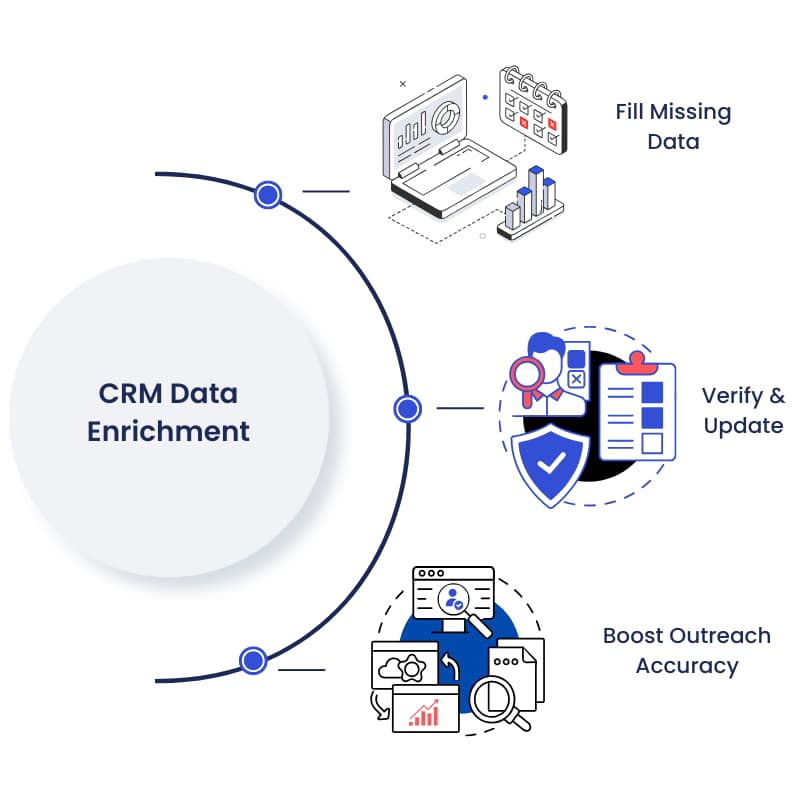
CRM data enrichment is the process of automatically adding verified details, like job titles, company size, industry, and working contact info, to the records already sitting in your CRM. Instead of reps manually googling prospects, enrichment tools pull that missing information in from outside data sources and fill the gaps for you.
That’s the short version. Here’s what it actually looks like in practice, why your CRM needs it more than you’d think, and how to get started without overcomplicating it.
What Is CRM Data Enrichment, Exactly?
At its core, CRM data enrichment connects your CRM to outside data sources through APIs (application programming interfaces, which is just a technical way for two systems to share information automatically) so new details can flow into your existing records without anyone typing them in by hand.
Say a lead fills out a form on your website with just their name and work email. On its own, that record tells you almost nothing about whether they’re worth chasing. An enrichment tool can take that email, match it against outside data, and fill in the person’s job title, seniority, company size, industry, and sometimes even signals about what they’re actively researching.
It’s worth separating enrichment from a couple of terms people use interchangeably. Data cleansing removes errors and duplicates from records you already have. Data enrichment adds brand-new fields you didn’t have before, like firmographic details (facts about a company, such as headcount or revenue) or technographic details (what software a company already uses). Both matter, but they solve different problems.
Why Does Your CRM Data Fall Apart So Fast?
Honestly, this is the part most teams underestimate. You don’t have a data entry problem so much as a decay problem, and decay never stops.
People change jobs. Companies get acquired. Phone numbers get reassigned. None of that requires anyone on your team to make a mistake, your data just gets less accurate the longer it sits untouched.
According to Salesforce’s State of Sales research, 91% of CRM data is incomplete, and that number reflects a structural reality: even well-maintained databases accumulate gaps faster than manual upkeep can fix them. On top of that, research cited by HubSpot puts B2B data decay at roughly 22.5% a year, meaning close to a quarter of your contact database can go stale in twelve months without anyone touching it.
The financial side isn’t small either. Research cited by ZoomInfo found that sales reps waste around 27% of their time dealing with bad data, and separate research found that 44% of companies lose more than 10% of their annual revenue to data decay. That’s not a rounding error on a spreadsheet. That’s reps chasing dead leads instead of live ones.
How Does CRM Data Enrichment Actually Work?
There are two broad ways teams handle it, and most growing companies start with one and graduate to the other.
Manual enrichment means someone on your team searches LinkedIn for a missing job title or checks a company website for headcount, then types it into the CRM by hand. It works fine at a tiny scale. It falls apart the moment you have more than a handful of leads coming in per week.
Automated enrichment connects your CRM to third-party data providers through integrations or APIs, so missing fields get filled in the moment a record is created or updated, often within seconds. This is what most people mean when they talk about “CRM data enrichment” as a category of tool.
Enrichment itself isn’t one-size-fits-all. A few common types show up again and again:
- Contact enrichment: fills in job title, seniority, direct phone, and verified email so reps know who they’re actually talking to.
- Firmographic enrichment: adds company size, industry, revenue range, and location so you can tell if a lead fits your ideal customer profile (ICP, meaning the type of company most likely to buy from you and succeed as a customer).
- Intent data enrichment: surfaces signals that a company is actively researching a solution like yours right now, so reps know which accounts to call first instead of guessing.
Why Does This Matter for Sales Teams Specifically?
A rep with a full, accurate profile can qualify a lead in seconds instead of minutes. A rep working off three fields and a guess can’t personalize outreach, can’t prioritize, and honestly can’t forecast their pipeline with any confidence either, because forecasts are only as good as the data feeding them.
This is where I’d push back on how most teams frame the problem. It’s rarely “our reps aren’t researching enough.” It’s that you’re asking humans to manually do a job that’s genuinely better suited to automation, and then blaming pipeline numbers when the research doesn’t happen consistently.
Pro tip: before you buy any enrichment tool, sit down and list your must-have fields versus your nice-to-haves. Job title, company size, and industry are usually must-haves for sales qualification. Social profiles and interests are nice-to-haves. Knowing the difference keeps you from paying for enrichment you’ll never actually use.
A Simple Checklist to Get Started
- Define your goal. Are you trying to qualify leads faster, personalize outreach, or improve forecast accuracy? Pick one primary goal first.
- List your must-have fields. Job title, company size, and industry are common starting points for most B2B sales teams.
- Audit what you already have. Pull a sample of records and see how many are missing your must-have fields or contain data that looks outdated.
- Choose manual or automated enrichment. Manual works for small volumes; automated tools make sense once lead volume grows past what a person can keep up with.
- Schedule recurring audits. Enrichment isn’t a one-time fix. Set a cadence, monthly or quarterly, to catch new gaps before they pile up.
FAQ: CRM Data Enrichment
Is CRM data enrichment the same as data cleansing?
No. Cleansing removes errors, duplicates, and outdated entries from data you already have. Enrichment adds new information you didn’t have before, like a missing job title or company size.
How often does CRM data actually need enriching?
Given that B2B data decays at roughly 22.5% a year according to HubSpot-cited research, most teams are better off enriching continuously or at least monthly rather than waiting for an annual cleanup.
Do small sales teams need an enrichment tool, or can they enrich manually?
At low lead volume, manual research (checking LinkedIn or a company site) can work fine. Once your team is handling more than a few dozen new leads a week, manual enrichment usually can’t keep pace.
What’s the difference between enrichment and enhancement?
Enrichment adds entirely new fields from external sources. Enhancement improves what you already have, standardizing formats or adding context to existing fields, without necessarily pulling in new data points.
Does enrichment help with sales forecasting?
Yes, indirectly. Forecasts are built on pipeline data, and if that data is incomplete or outdated, the forecast built on top of it will be too.

CEO & Founder at Revlyn. Part of the team that builds and operates HubSpot portals day to day.